Adding Personal Card
Before you continue, ensure you have the following:
- Photo of yourself
- Bio of yourself
- Background image or video
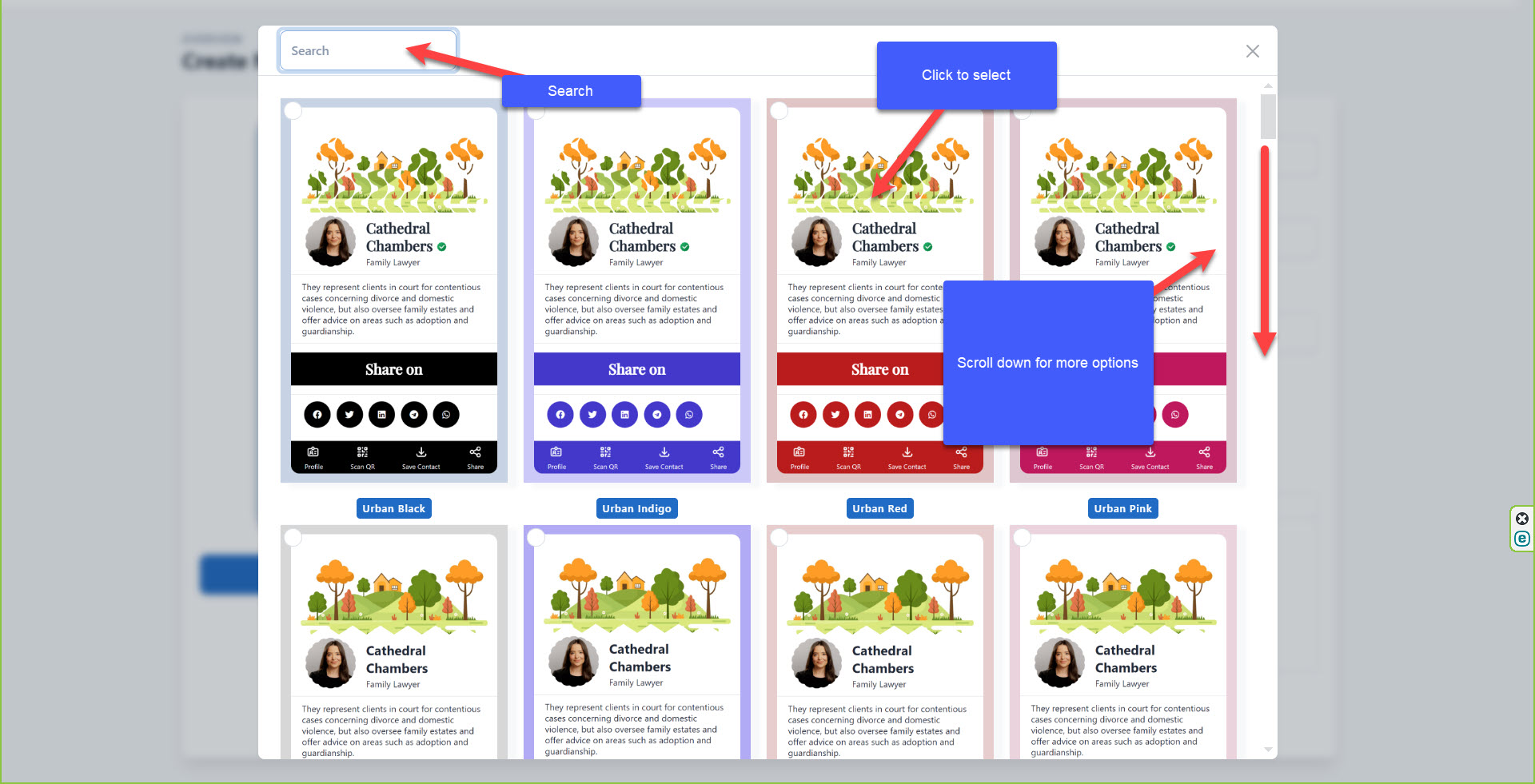
Step 5: Choose a theme
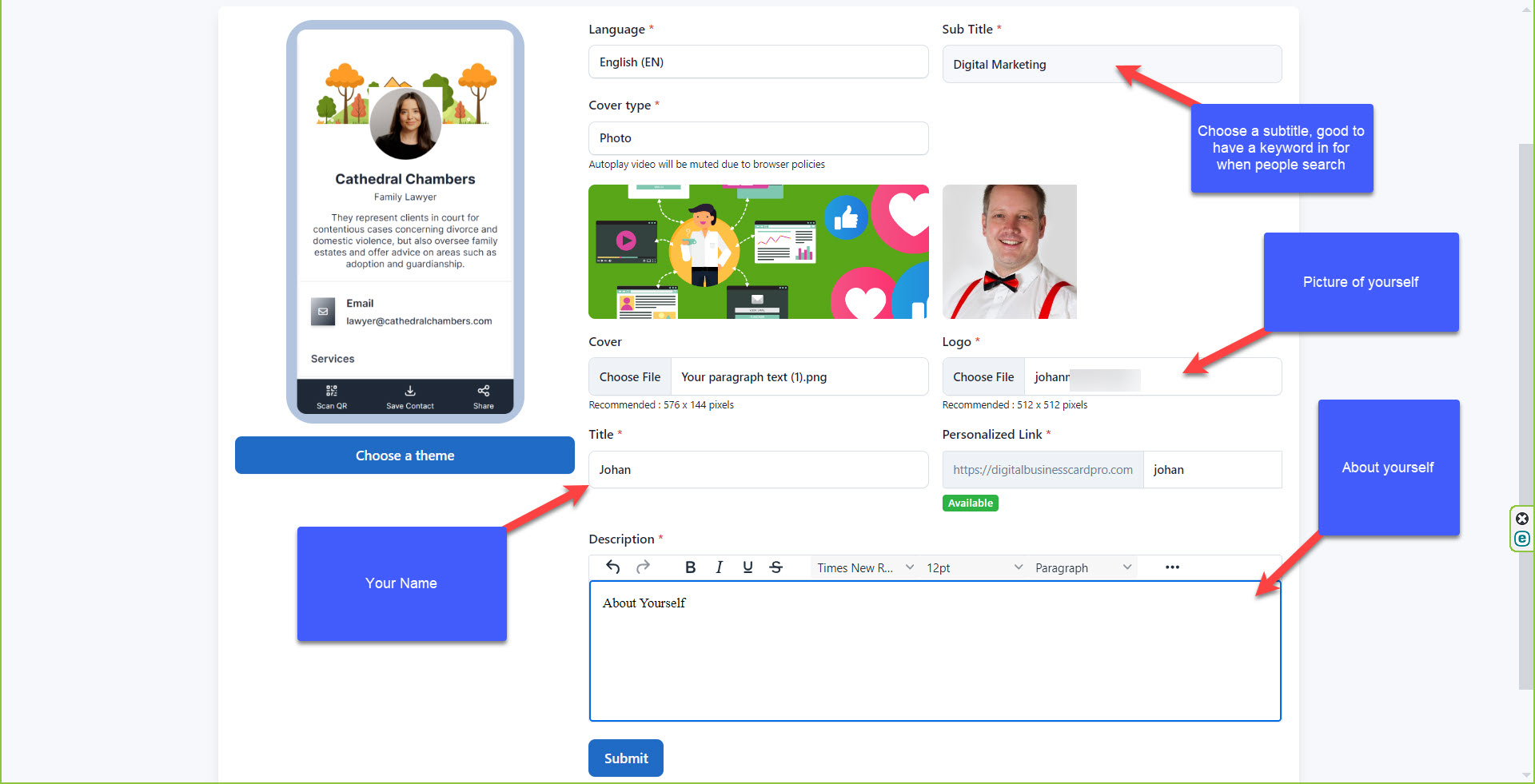
Step 6: Add details. A photo of yourself, cover or video link, your name and bio. Once done, click Submit.
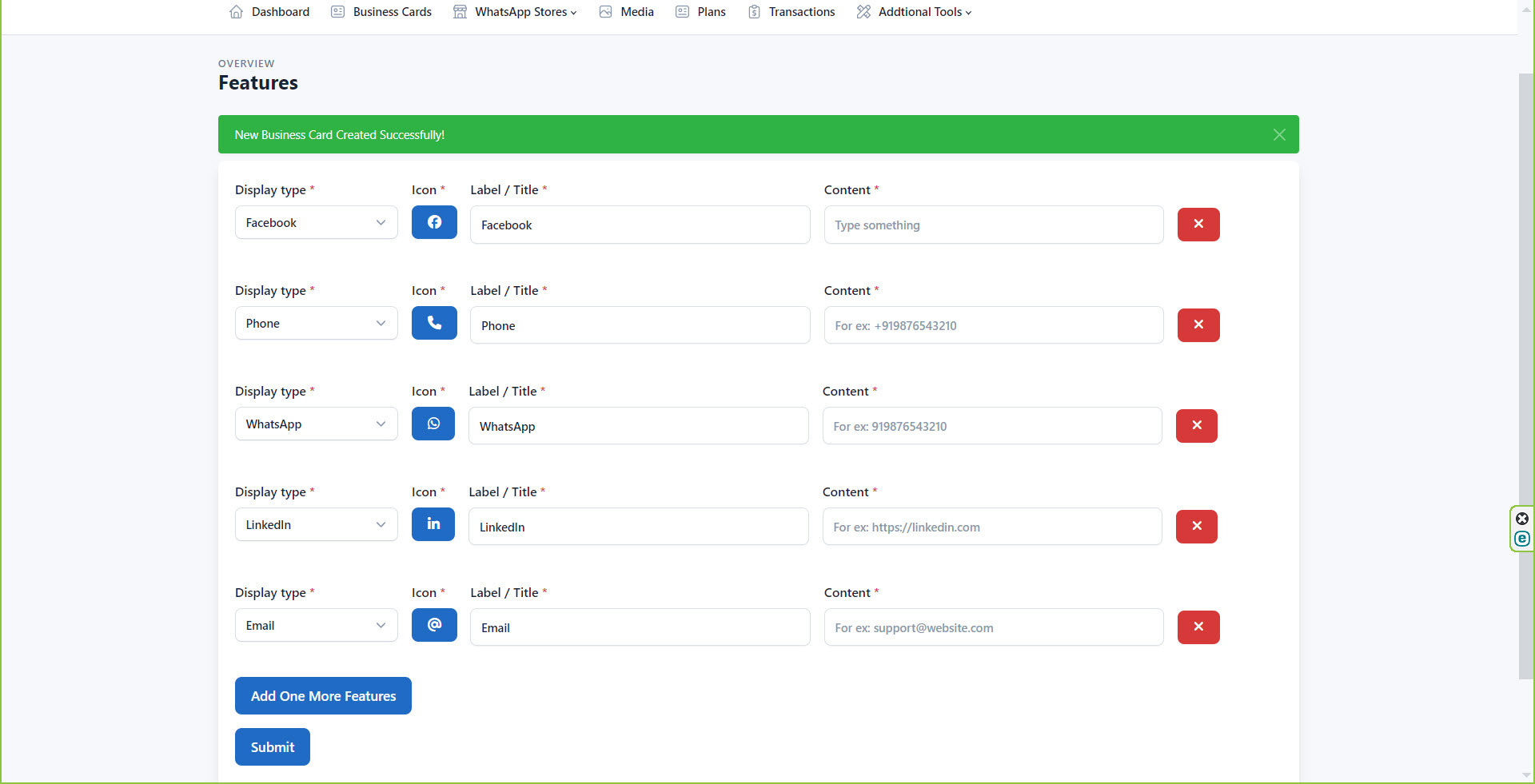
Step 7: Add features, ie Facebook link, email, phone, WhatsApp, etc, and click submit.
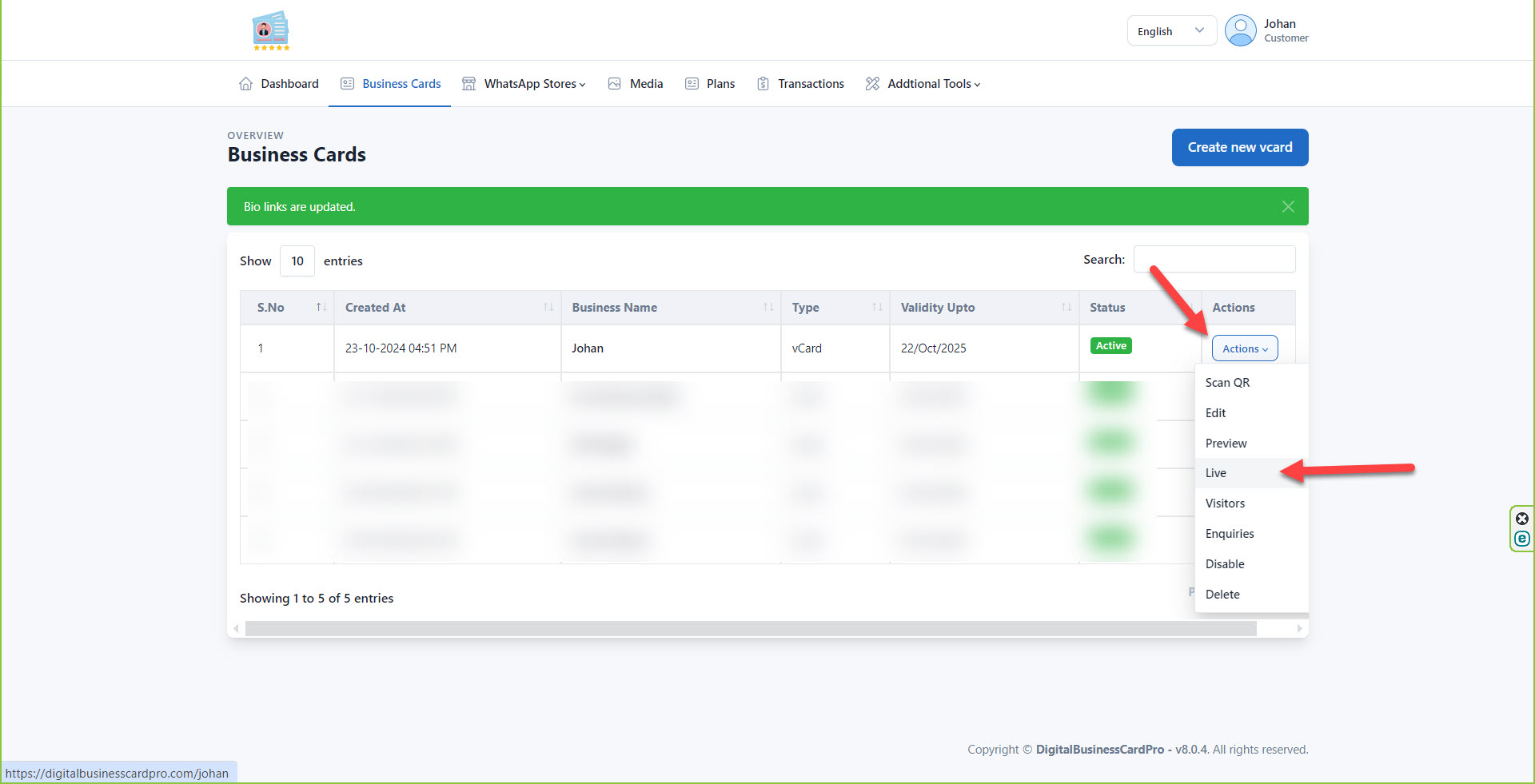
Step 8: Your business card is ready. Click live link. Save this link to be able to share it.